




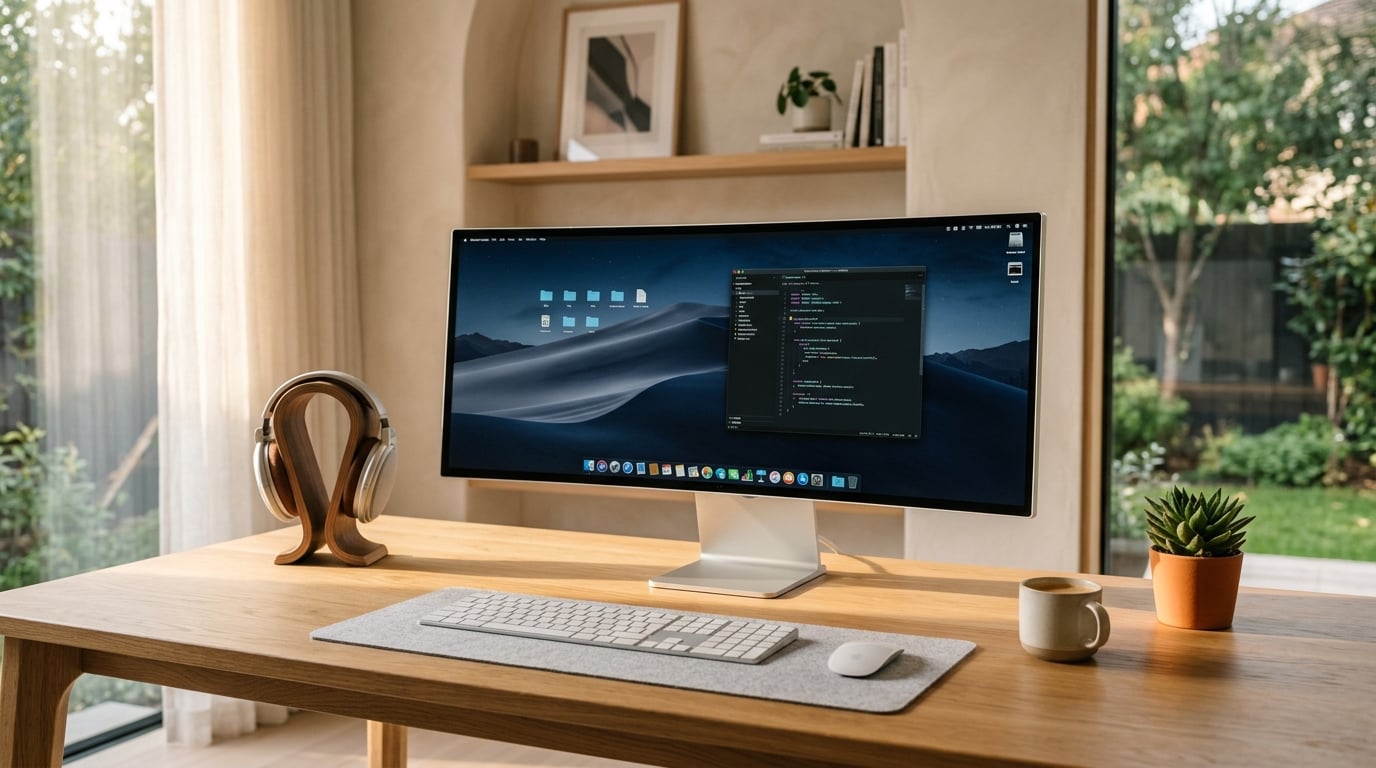
Modern computers are getting much quieter and more efficient. When your laptop or desktop runs cool without loud fans blowing constantly, working in a quiet room is much more peaceful.
Keeping your computer vents dust-free and using an elevated stand improves airflow, helping your device stay cool and silent all day.

In our modern, high-stress work culture, acoustic comfort is an often overlooked factor in cognitive focus and mental wellbeing. The constant high-pitched whine of computer fans and buzzing electronics creates subtle, chronic background stress that drains your energy and degrades deep productivity.
Creating a whisper-quiet computer setup starts with selecting modern energy-efficient processors that produce minimal thermal heat. Fanless laptops and desktops equipped with passively cooled solid-state drives eliminate mechanical whirring entirely, providing pure, silent computing bliss.
If your computer uses cooling fans, use software fan-curve utilities to keep fan speeds at silent thresholds during ordinary browsing, writing, and administrative tasks. Elevating your laptop on an open aluminum stand also dramatically enhances passive airflow, preventing fans from spinning up unnecessarily.
A truly quiet workspace allows your thoughts to flow without friction or distraction. When background machine noise disappears, you will experience deeper concentration, calmer breathing, and an effortless sense of focus that lasts throughout your entire workday.
Mindful technology is about cultivating a deliberate, intentional relationship with your digital devices—ensuring they serve your genuine human goals, enhance your creativity, and support your peace of mind rather than dominating your attention with endless algorithmic feeds.
Conduct regular digital decluttering audits. Turn off non-essential notifications on your phone, uninstall apps that trigger mindless scrolling, and organize your computer desktop into simple, clean folders. Reclaiming control over your attention restores hours of deep mental clarity each day.
Set firm physical boundaries around technology in your home. Designate your dining table and bedroom as sacred, screen-free zones where conversation, reflection, reading, and deep sleep take natural precedence over illuminated glass displays.
Remember that the greatest innovations in personal technology are those that recede gracefully into the background. Tools that are quiet, intuitive, durable, and reliable empower you to do your best work and then effortlessly step away to enjoy the rich, tactile beauty of real life.
To implement these ergonomic and technical upgrades effectively, dedicate thirty minutes this weekend to reconfiguring your physical workstation. Adjust your chair height so your elbows rest at an open ninety-degree angle, raise your display until the top third of the monitor sits precisely level with your eyes, and bundle all peripheral cords neatly out of your field of view.
Establish deliberate digital hygiene rituals to complement your physical setup. Close unused browser tabs at midday, schedule automatic warm amber lighting shifts for late afternoon hours, and shut down your computer completely at the end of the workday to signify a clear boundary between productive focus and restorative evening rest.
In summary, embracing these thoughtful practices regarding set up quiet computer for working from home provides an unhurried pathway toward greater ease, everyday comfort, and refined intentionality. By choosing enduring quality over fleeting trends, listening attentively to your daily needs, and celebrating the quiet satisfaction of practical craftsmanship, you cultivate an enriching lifestyle that feels as good as it looks.
As with all thoughtful habits, the greatest reward comes not from overnight transformations, but from small, dependable actions practiced with care day after day. Take your time, discover what brings you genuine comfort, and enjoy the lasting confidence that comes from living simply, gracefully, and purposefully.
Editorial Pro-Tip: Consider establishing a weekly routine of dusting your workstation, wiping screen surfaces with microfiber cloths, and running software updates on Sunday evenings. Maintaining clean hardware and updated software prevents unnecessary slowdowns and keeps your digital environment serene.